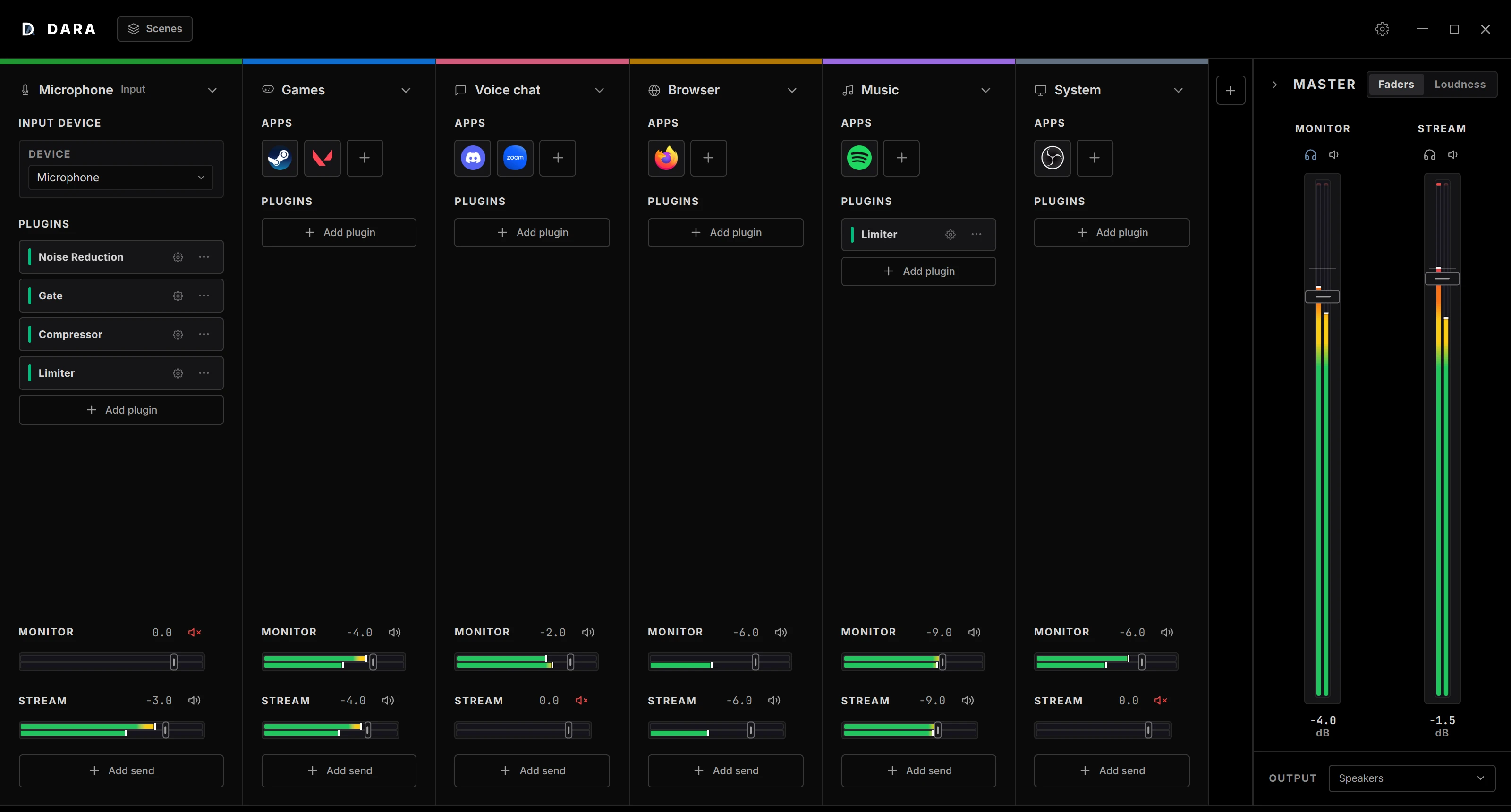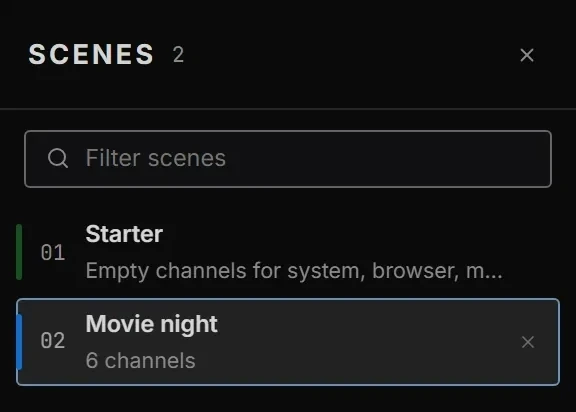
Scenes
Save the whole mixer as a scene, and load it again later.
Noise Reduction is built in. Your own VST3 and CLAP plugins work too.
It joins its channel every time it starts.
Use global hotkeys, MIDI CC or Stream Deck.
Save the whole mixer as a scene, and load it again later.

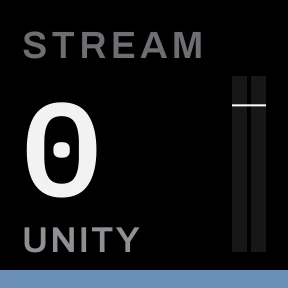
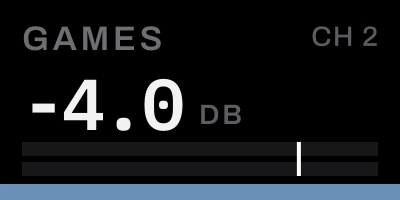
Set levels, mute, solo and recall scenes from Stream Deck keys and Stream Deck + dials.
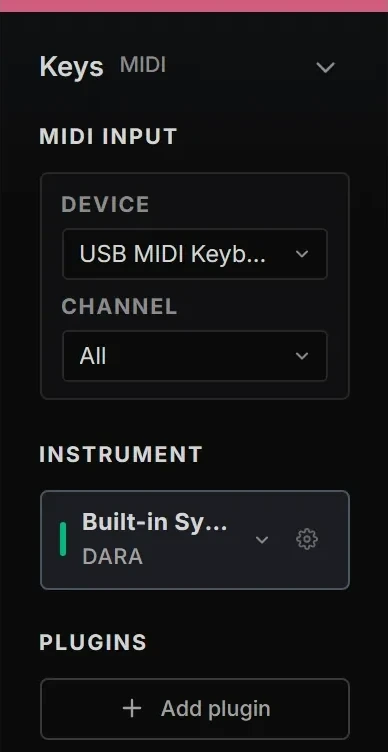
Load VST3 and CLAP instruments and play them from a MIDI keyboard.
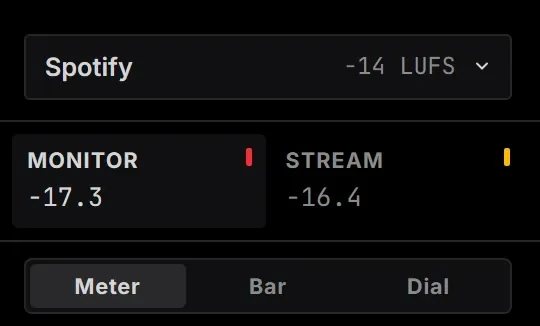
Check each mix against Spotify, YouTube and broadcast targets before you share it.
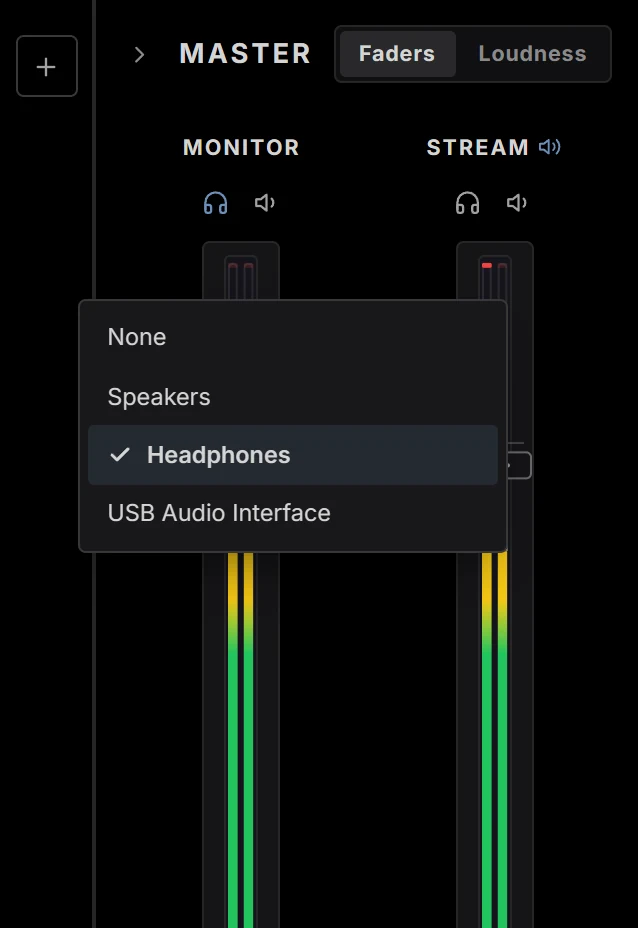
Play any mix on a second output device. Right-click its master fader and choose Output device.
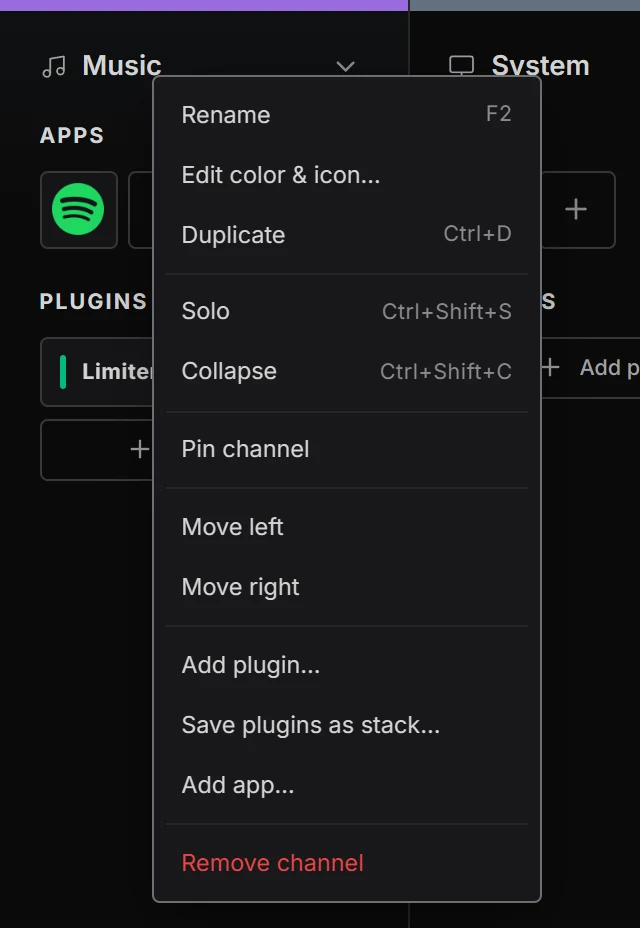
Right-click a channel to duplicate it, pin it to the left, collapse it, or save its built-in plugins as a stack.
English, Español, 日本語, Русский, Deutsch, Français, Português, Italiano, 中文, 한국어
Windows 10 and 11, x64. Active on two PCs.
Buy DARA