Mix every app.
The per-app audio mixer for Windows 10 and 11 on x64 PCs.
It’s the real app. Go ahead and drag a fader.
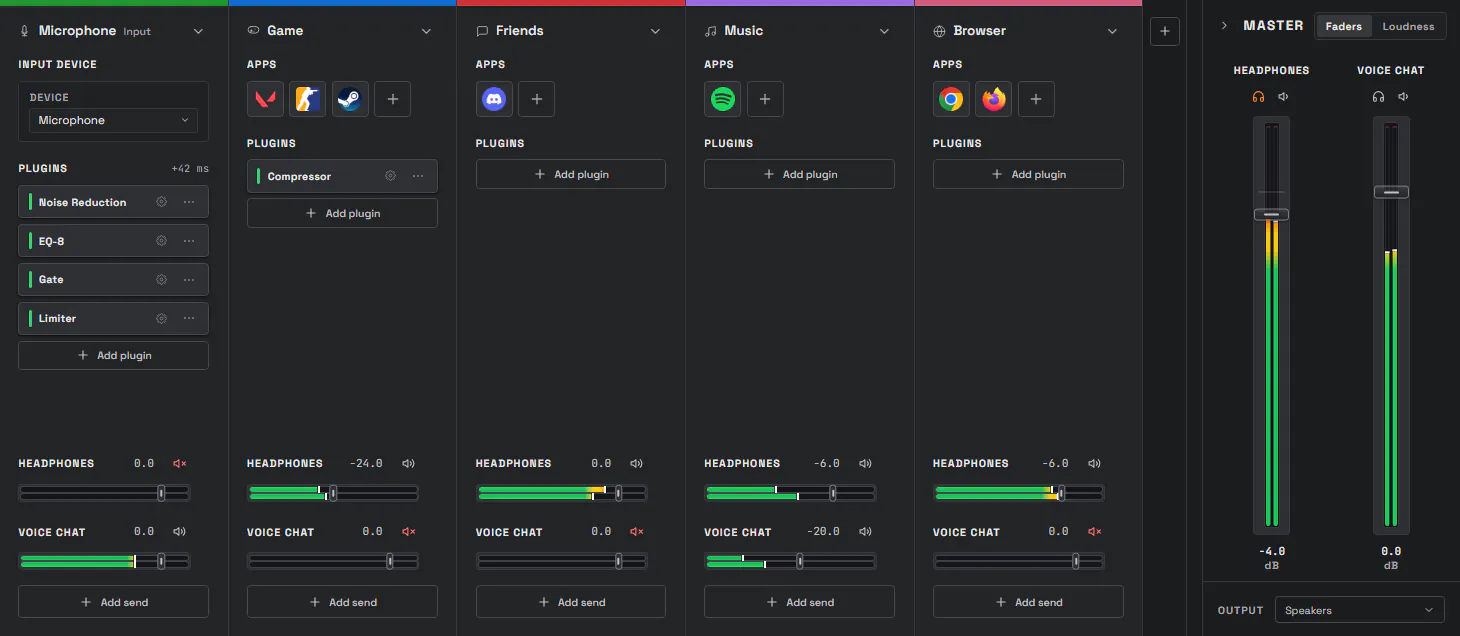
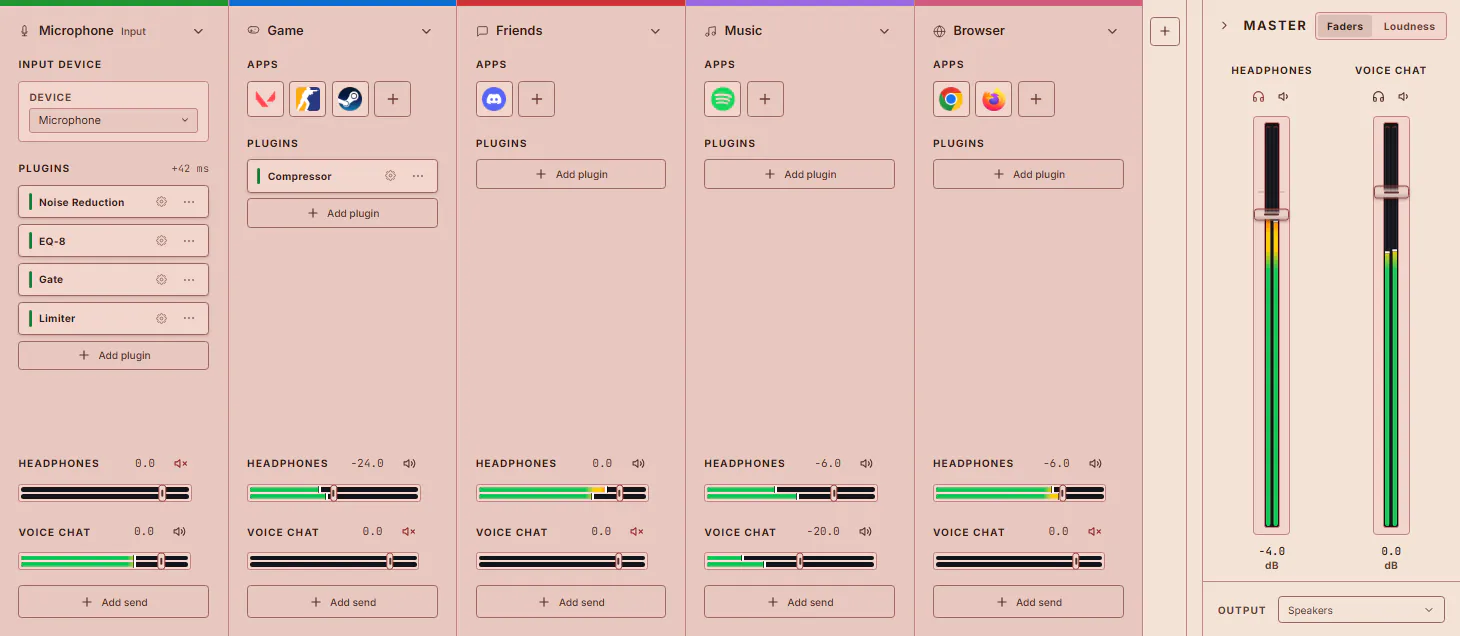
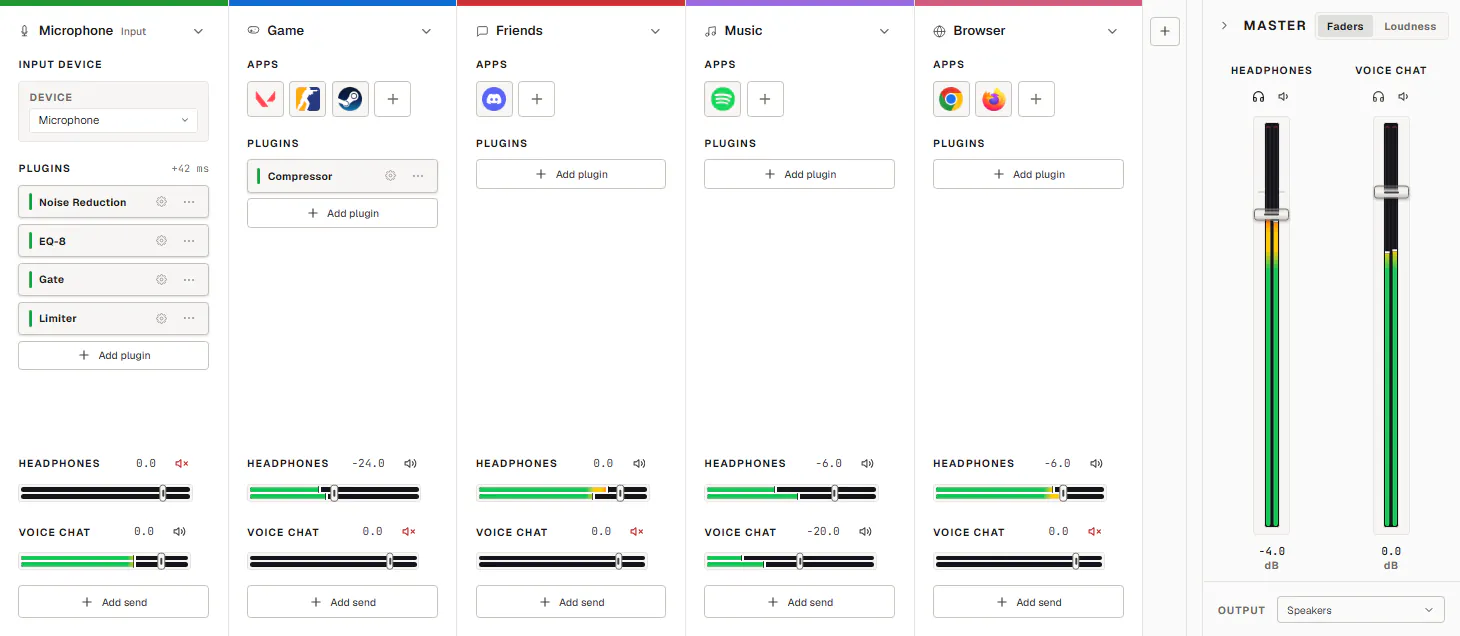
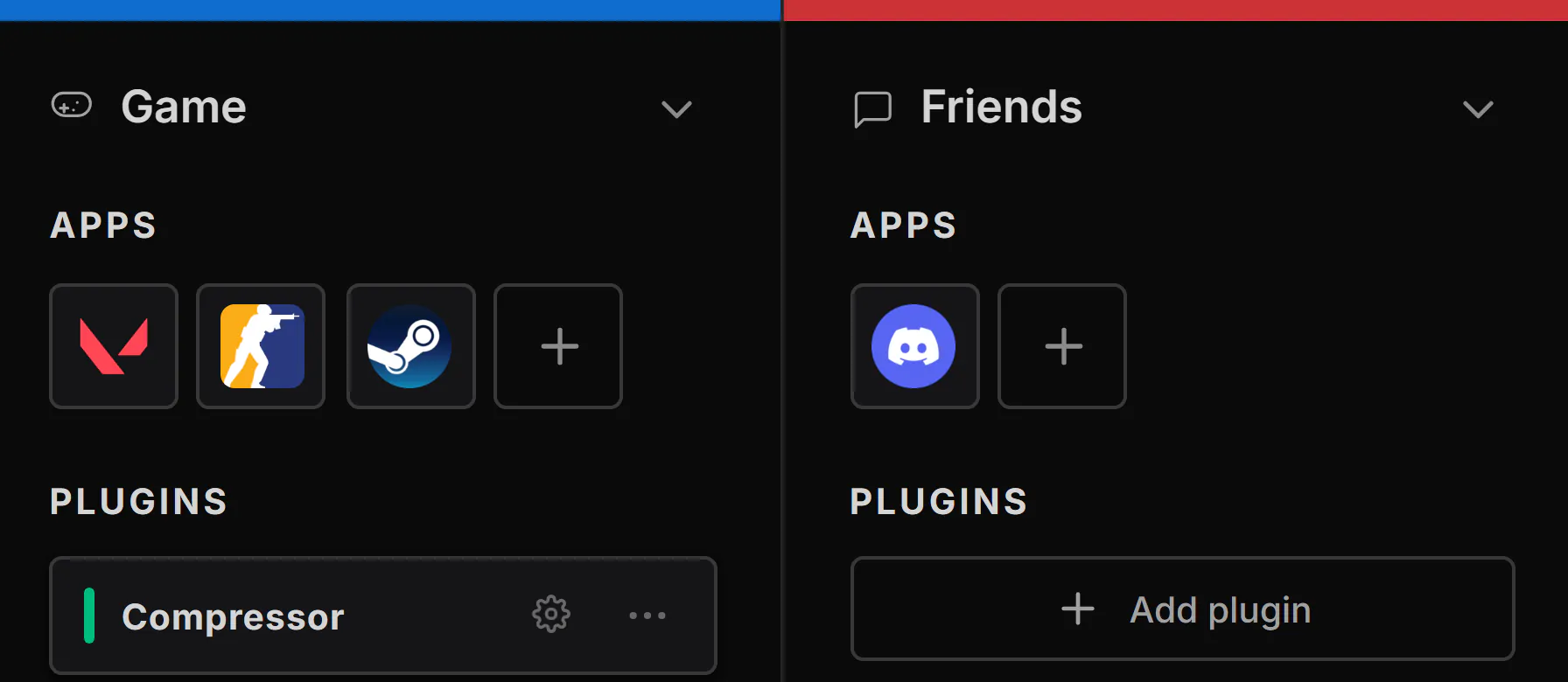
The DARA mixer with Microphone, Game, Friends, Music and Browser channels and the master section. In the headphones mix, Game is turned down and Friends is up.


I use my PC for
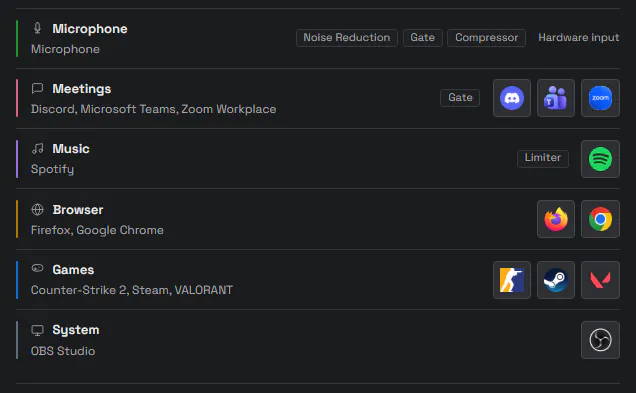
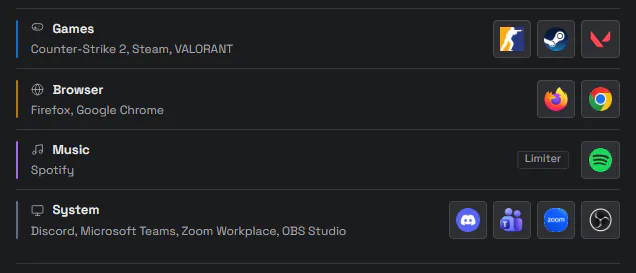
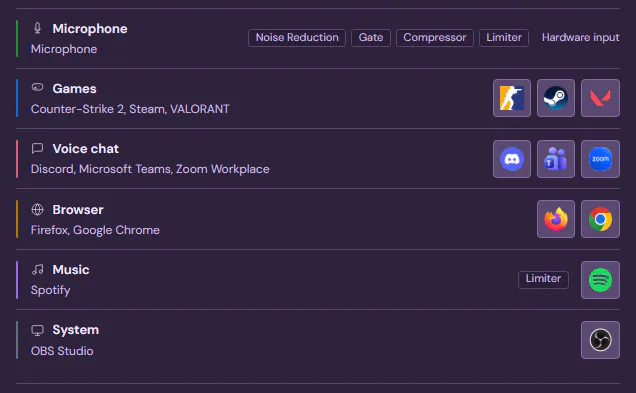
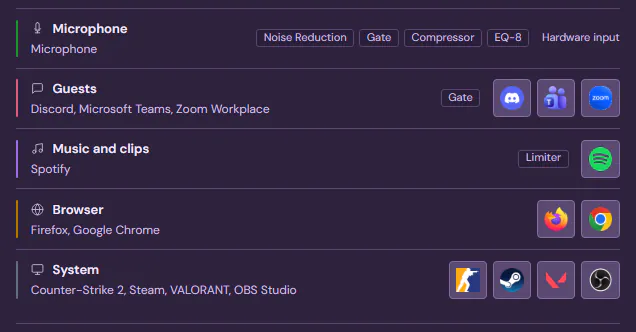
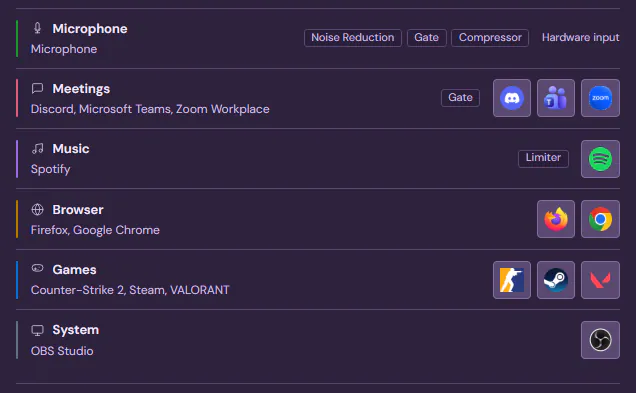
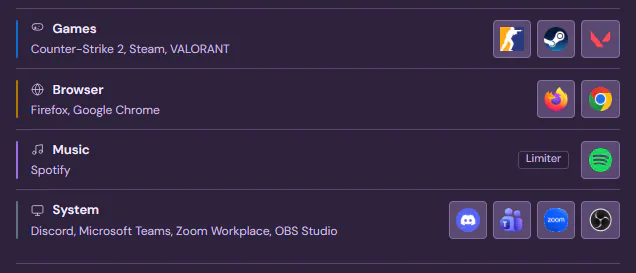
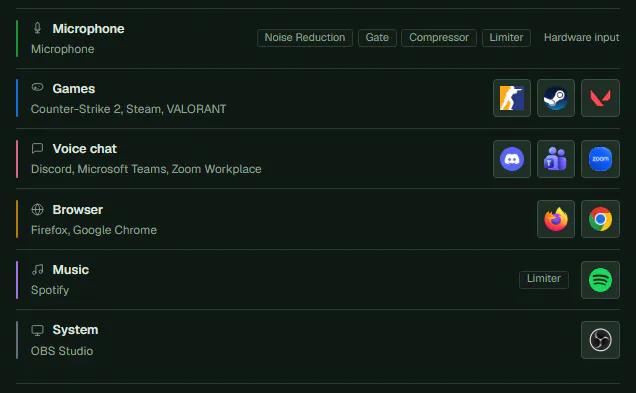
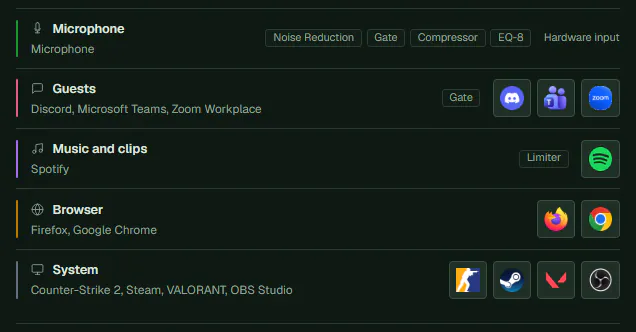
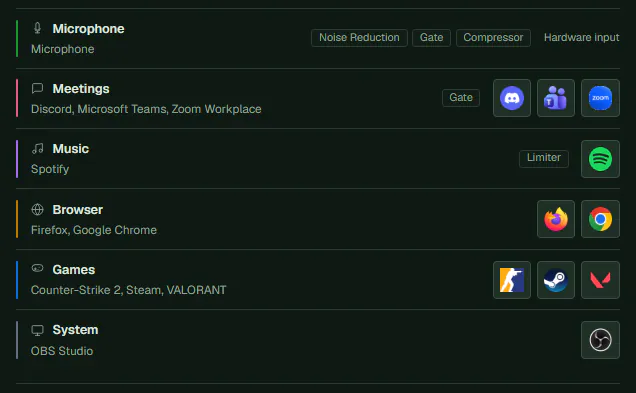
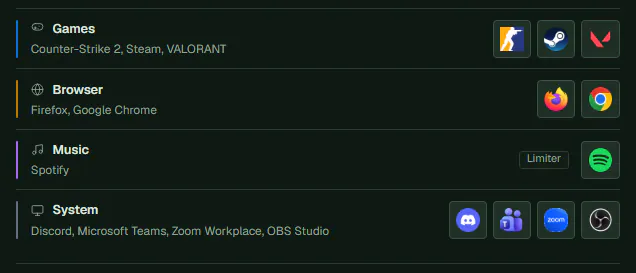
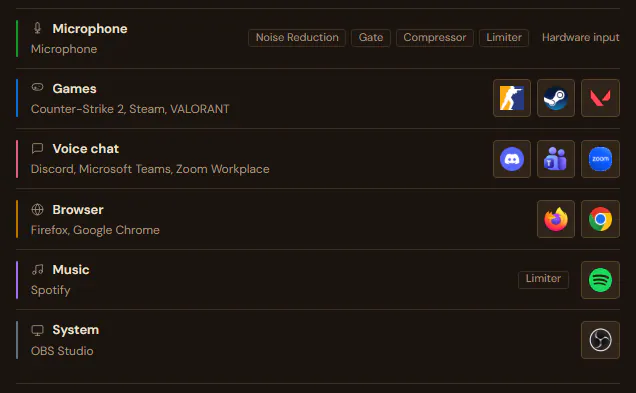
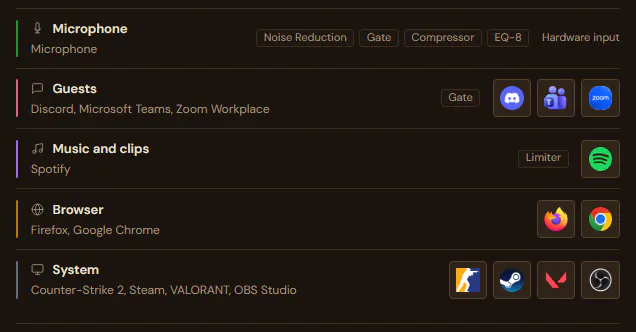
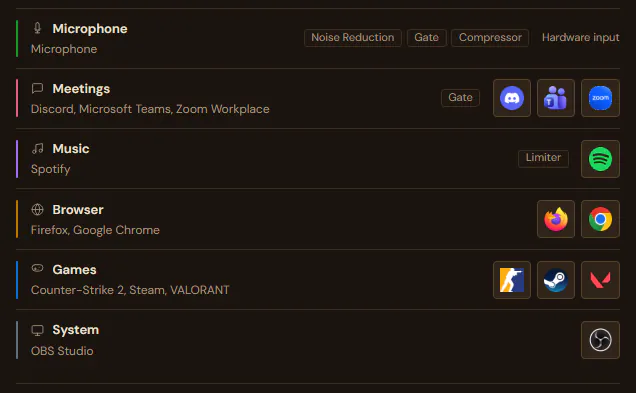
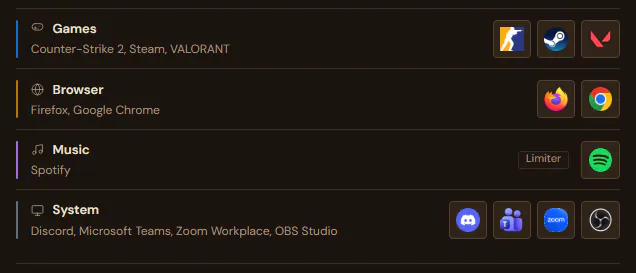
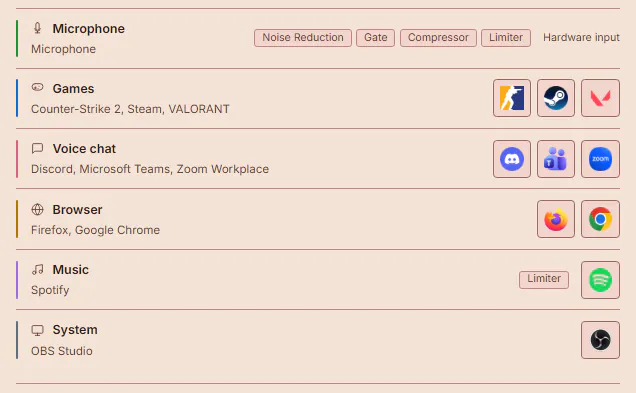
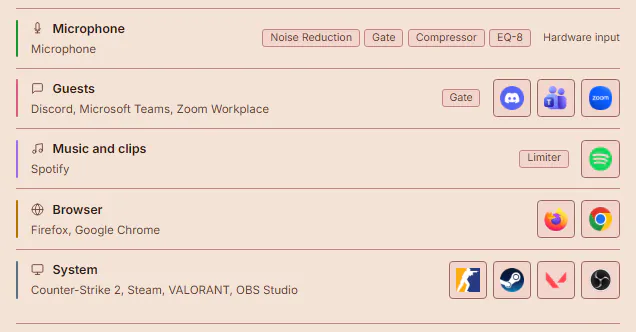
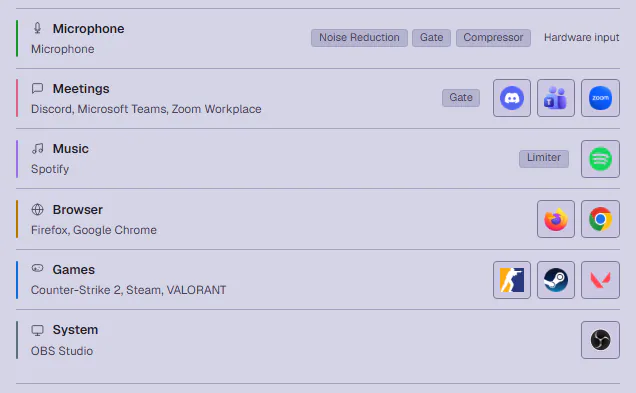
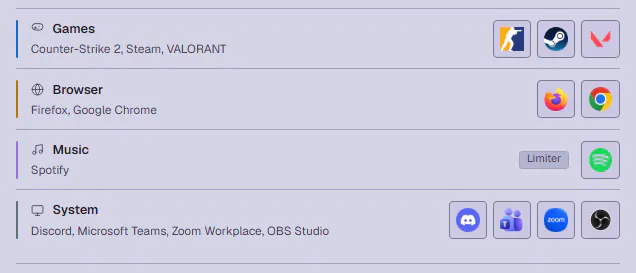
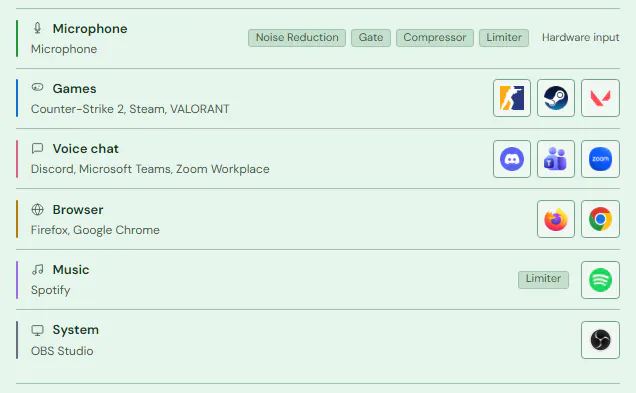
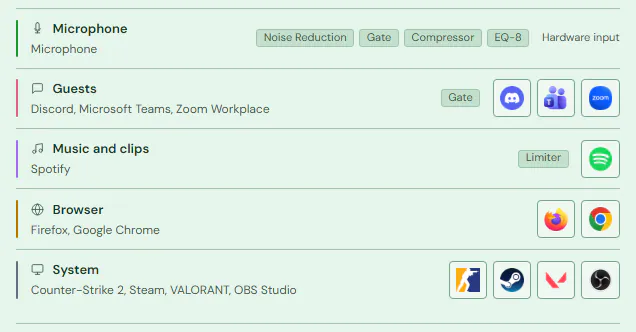
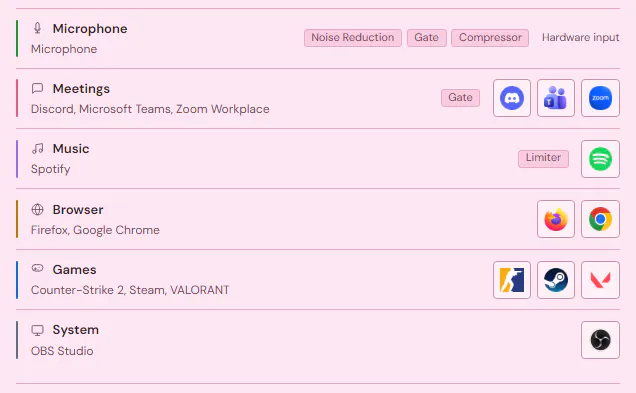
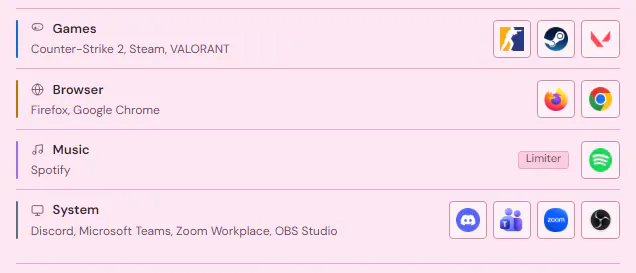
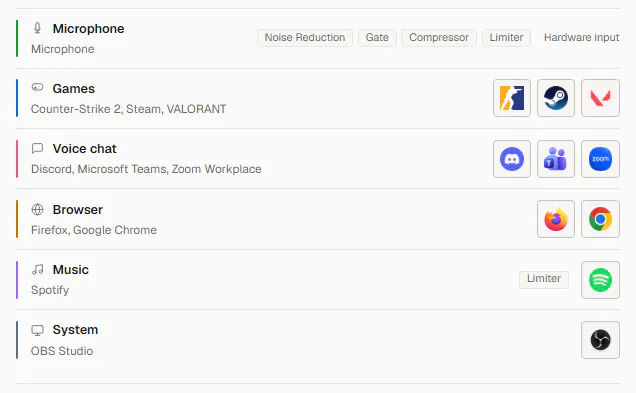
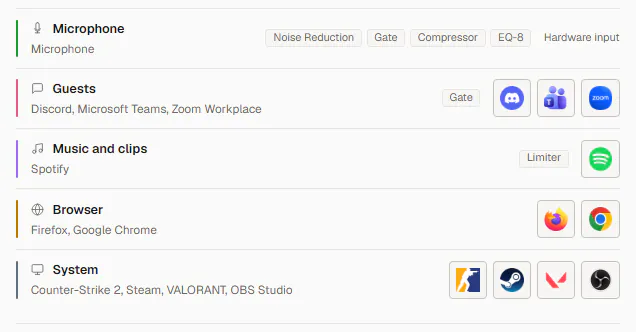
gaming and streamingpodcast or voice workcalls and meetingsdesktop audio only, change
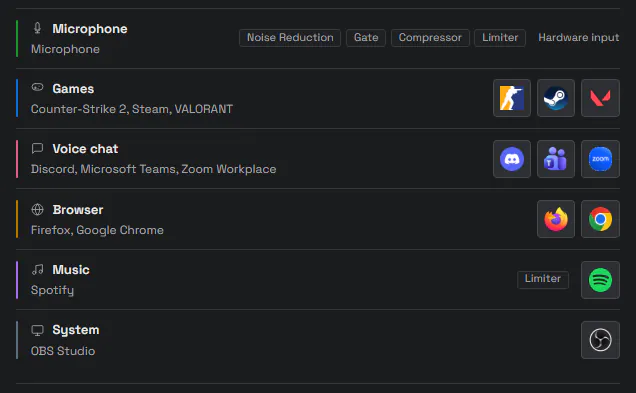
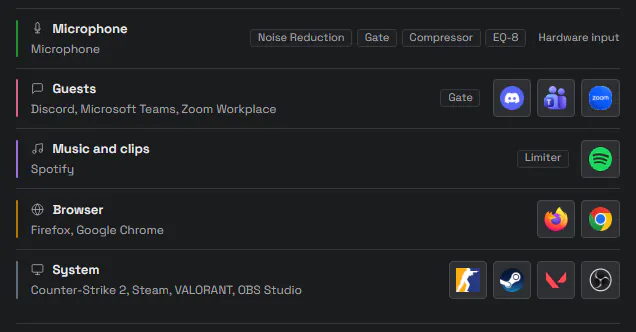
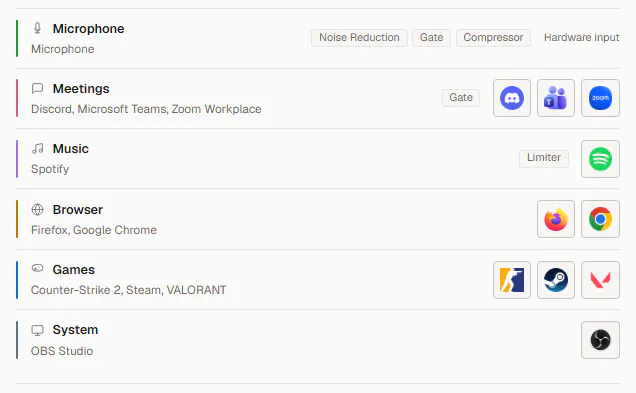
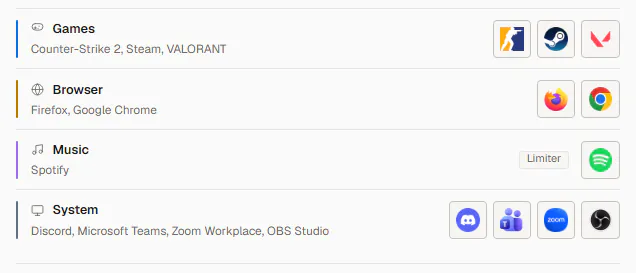
DARA finds your apps and builds the channels and effects to match.


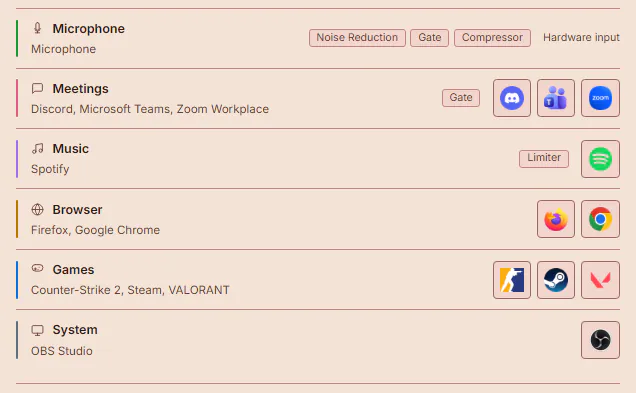
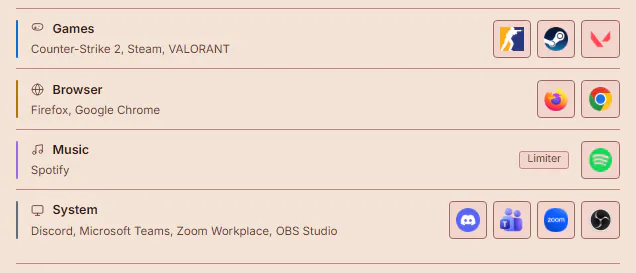
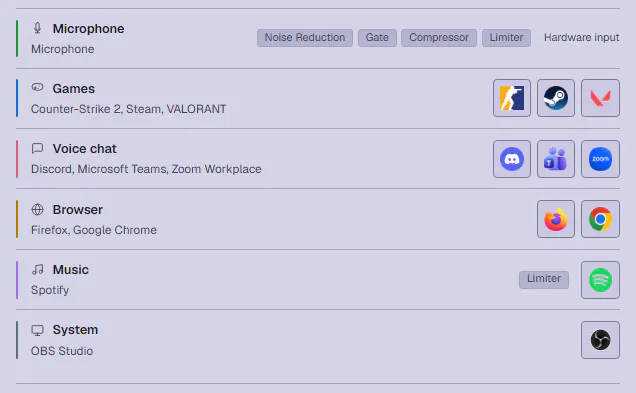
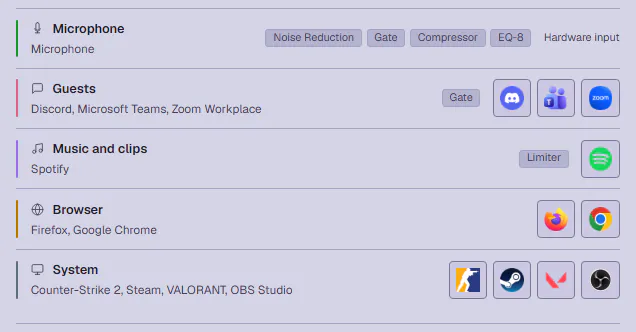
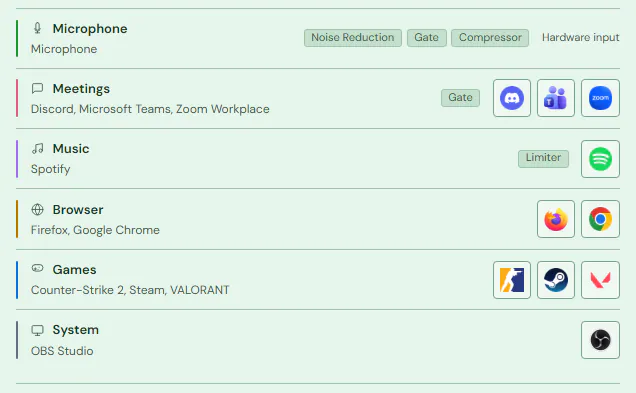
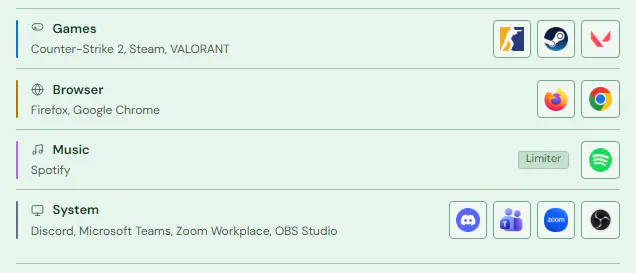
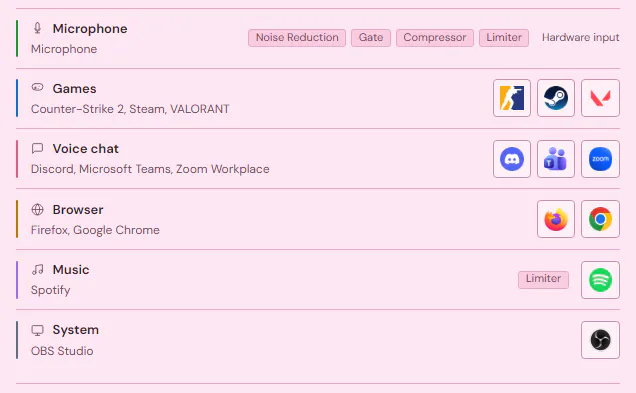
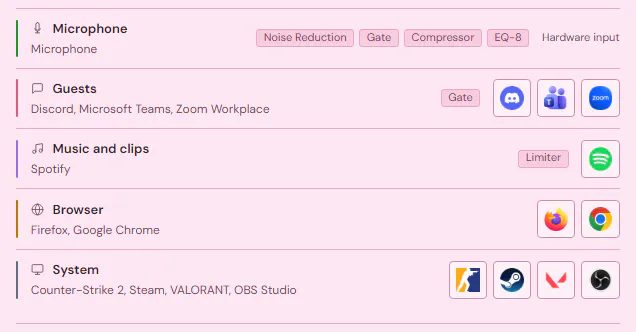
Mixes
Add up to ten mixes. You listen to one, and Discord, OBS or Zoom each pick up their own.


Clean up your mic
Pick where you are and how strong you want it. Noise Reduction runs on your PC.
Built in
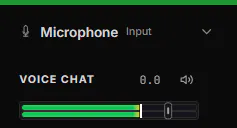
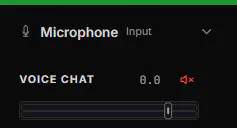
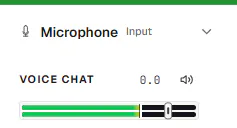
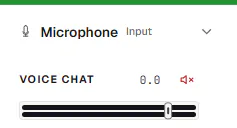
- Mute your mic
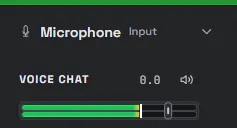
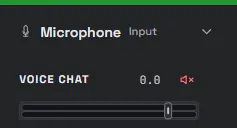
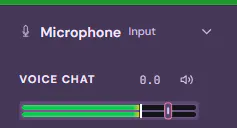
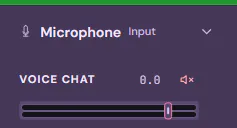
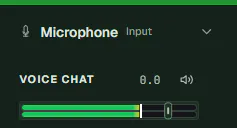
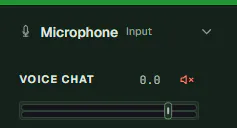


- Duck everything
- CtrlAltQ
- Push-to-talk
- On a key you pick
- Scenes
- Save your whole setup
- MIDI Learn
- On any fader
- Plugins
- VST3 and CLAP
- More effects
- Gate, EQ-8, Filter, Compressor, Limiter, De-Esser
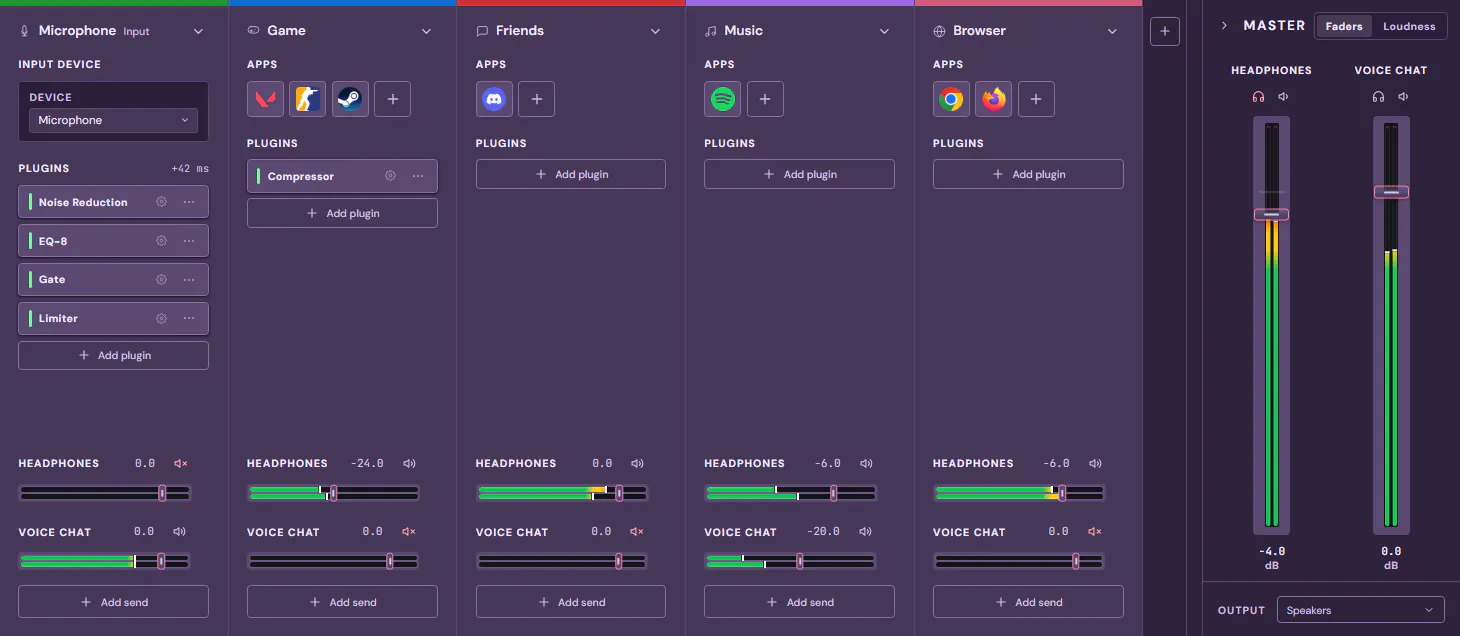
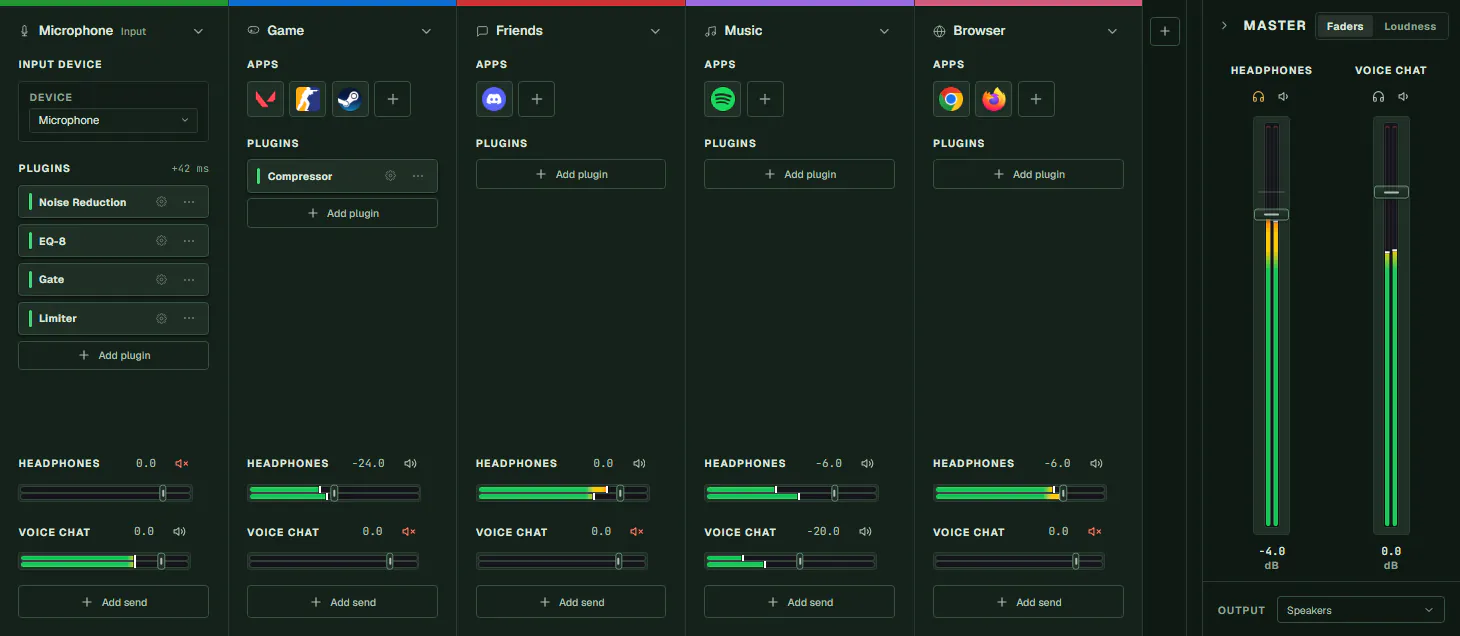
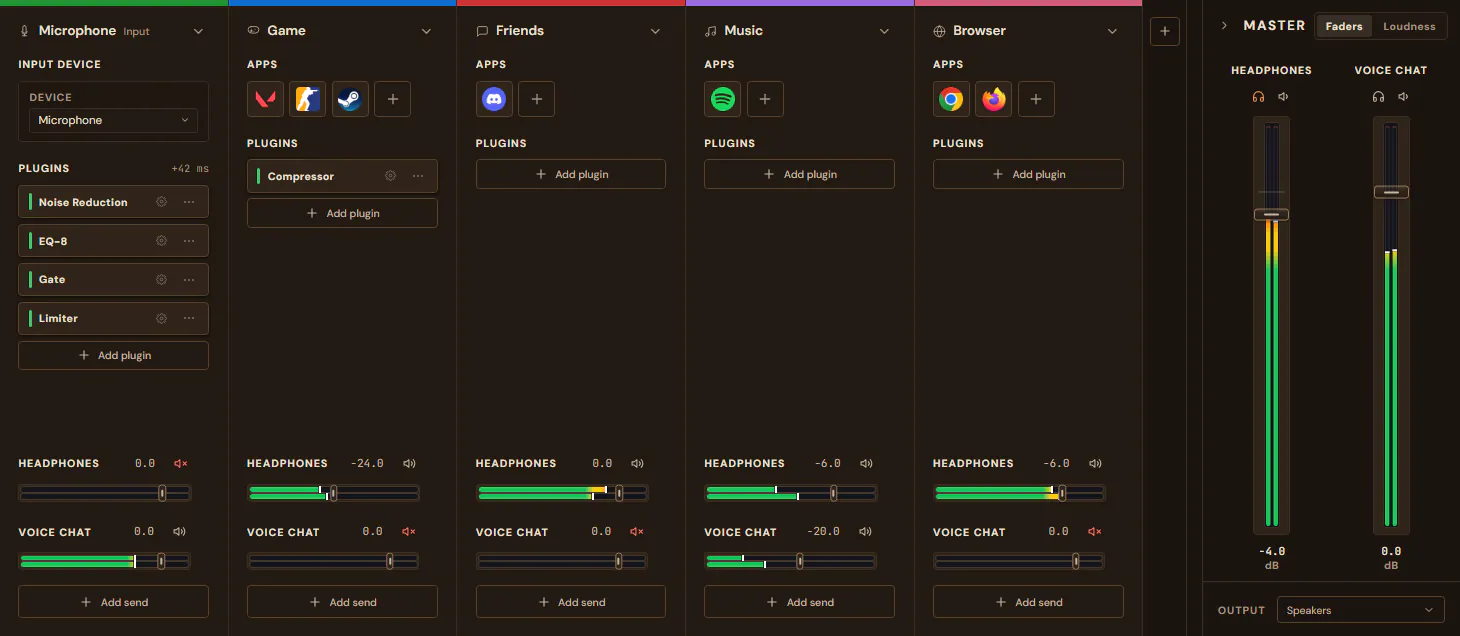
Themes
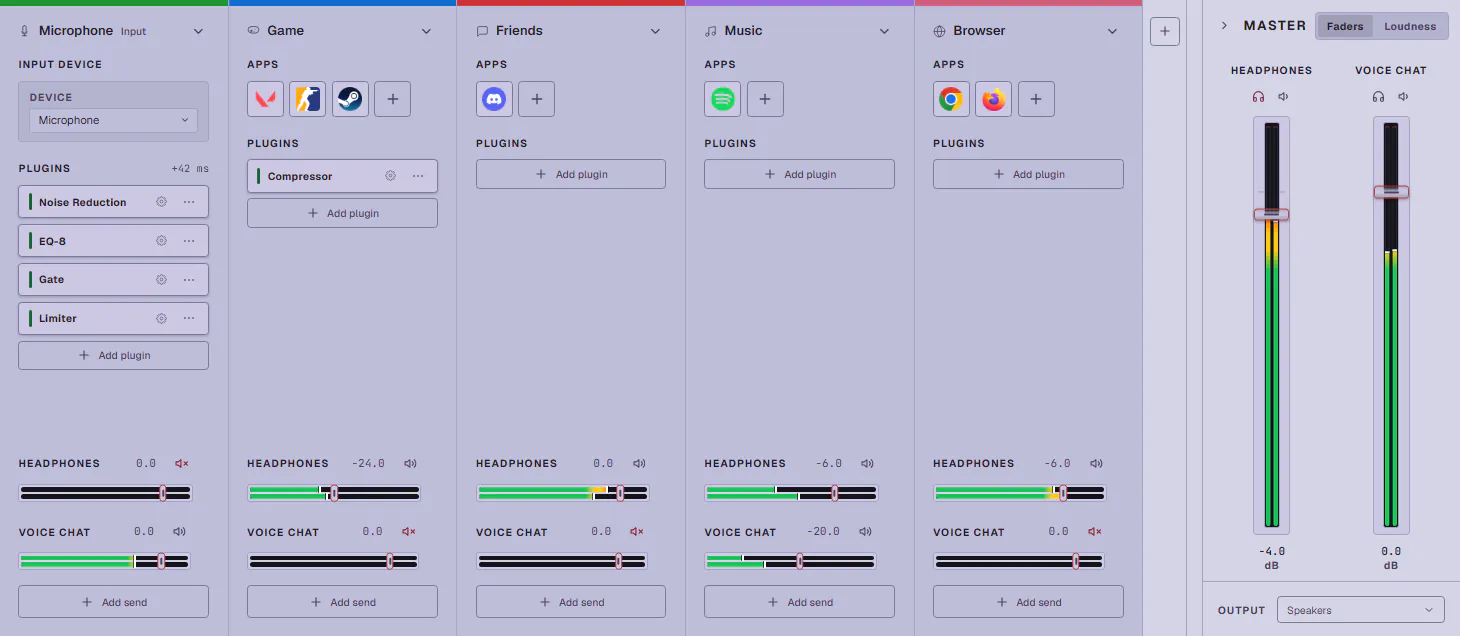
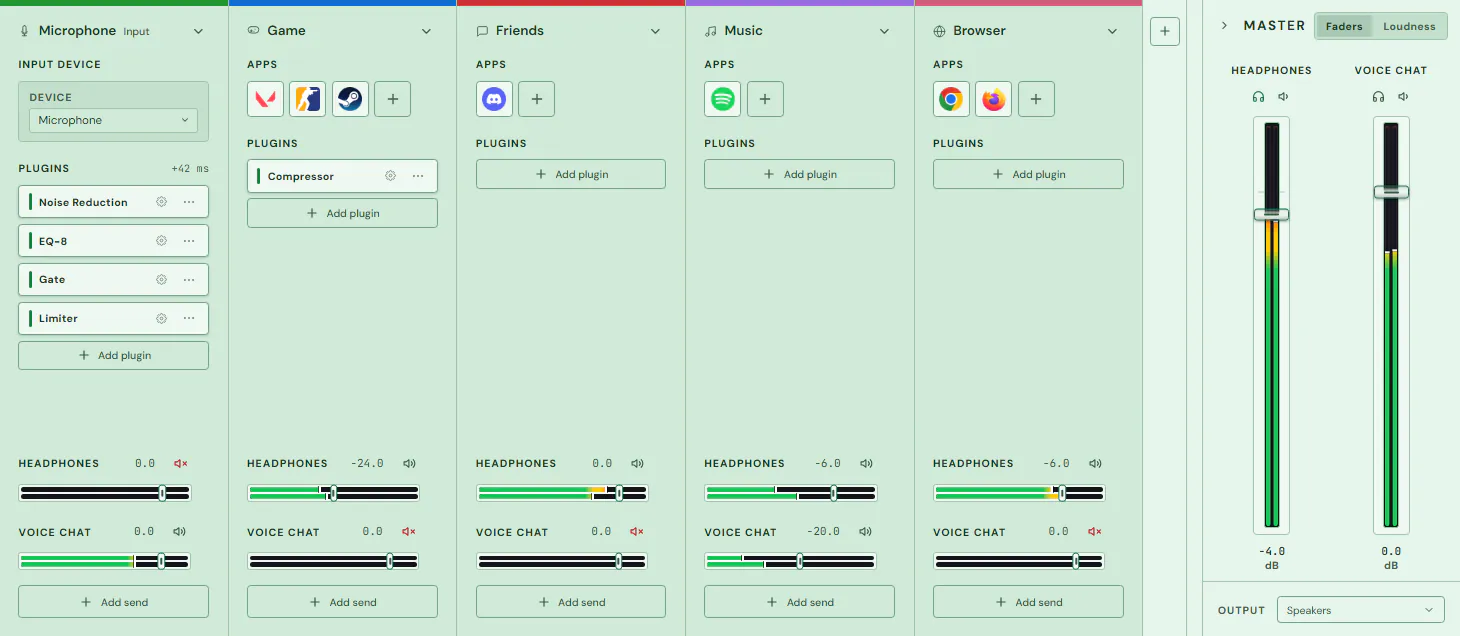
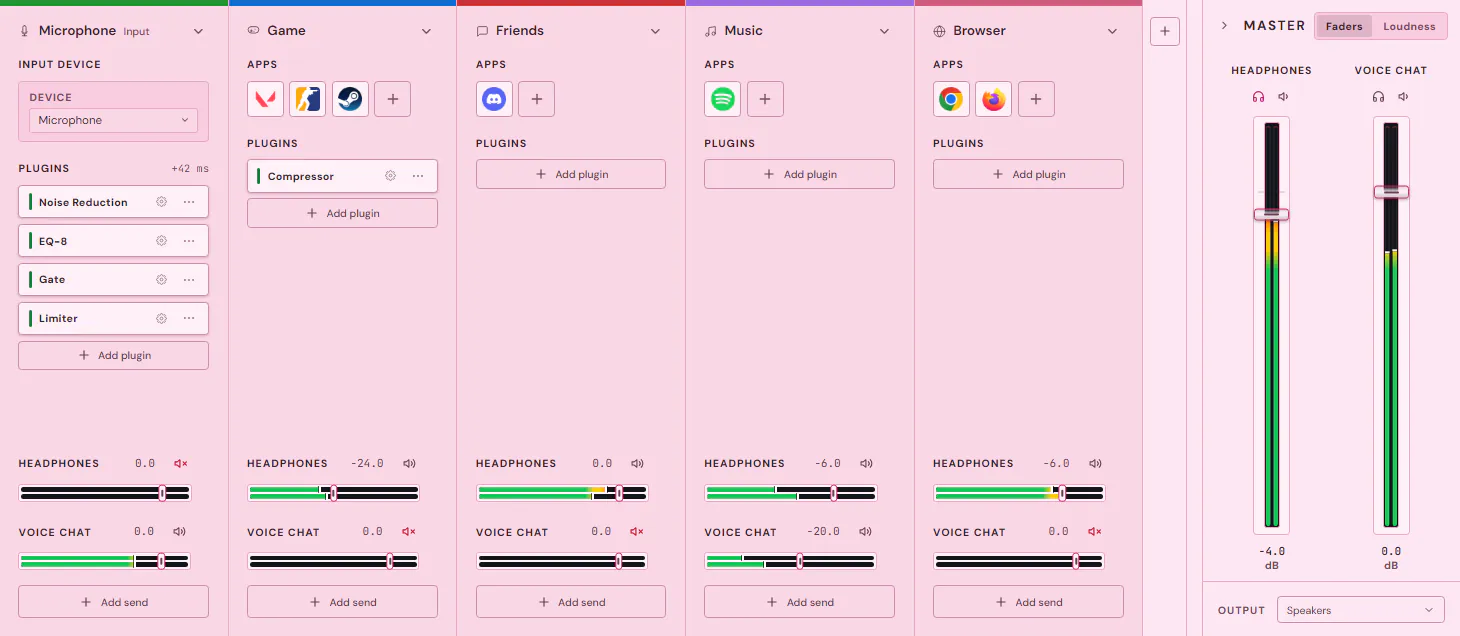
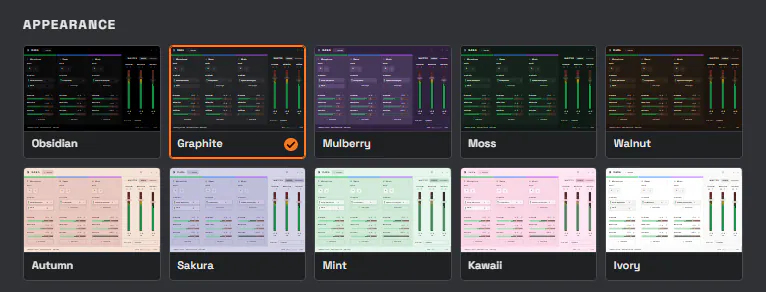
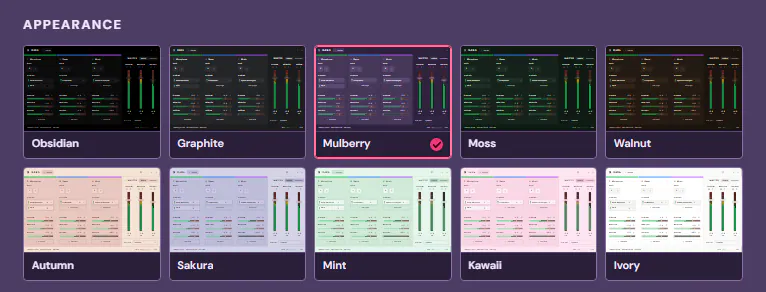
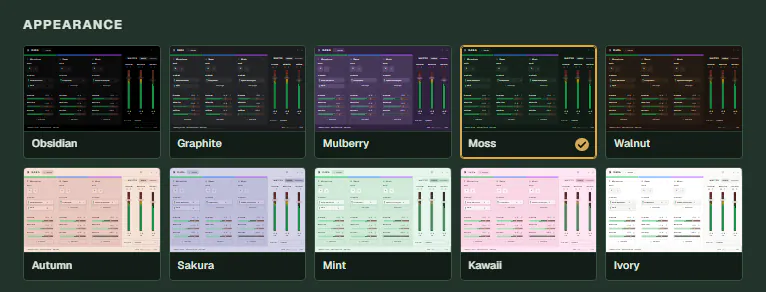
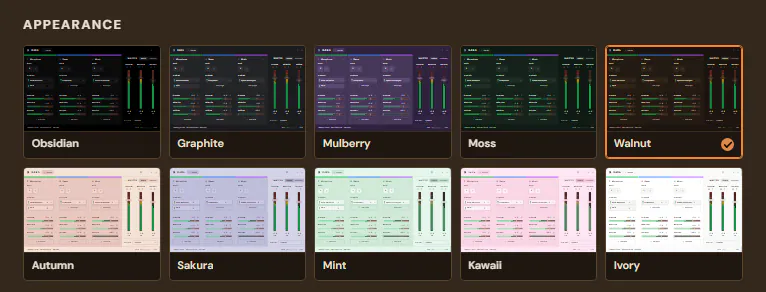
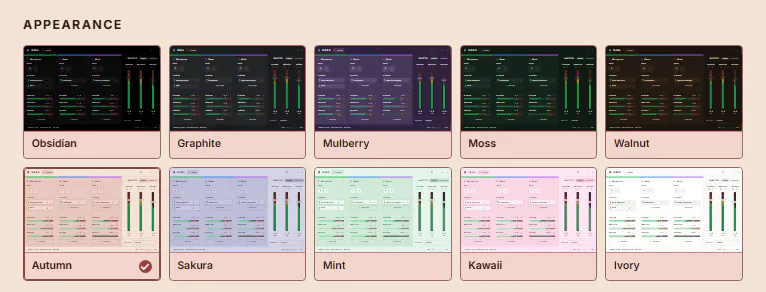
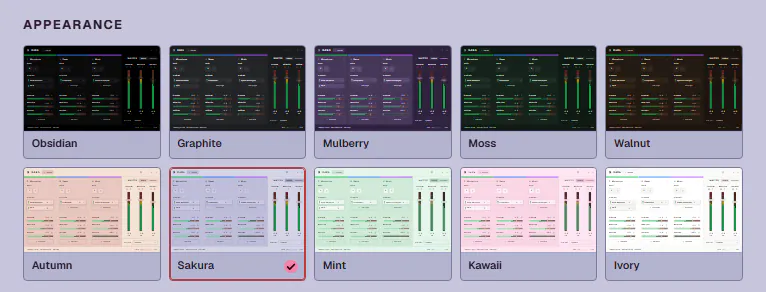
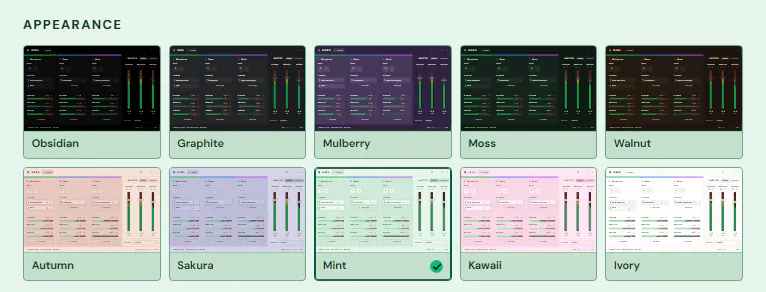
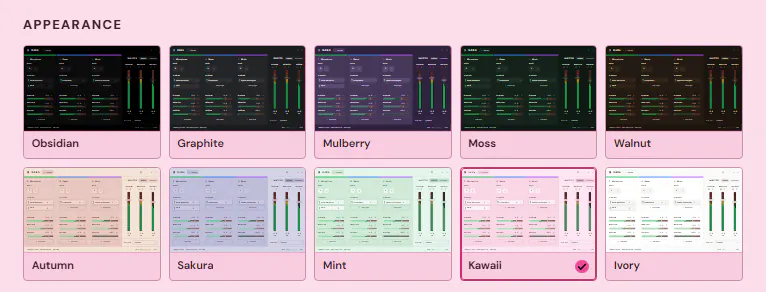
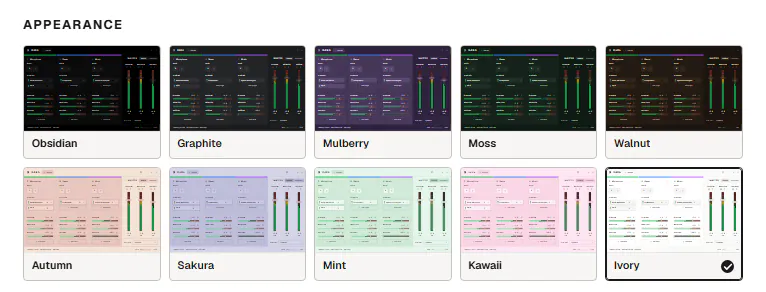
DARA has ten themes. Pick one and this page changes to match.

Pricing
DARA costs $9.99, once. Tax is added at checkout where it applies.
Your license can be active on two PCs.
Questions
Why not the Windows volume mixer?
Windows gives each app one volume for one output. DARA gives each channel its own level in every mix, and adds effects and scenes.
Which apps work?
Any app that plays sound through Windows. Apps like Discord, OBS and Zoom pick their own device, and setup shows you which one to pick.
Can I try it before I buy?
Yes. The demo runs DARA’s real interface in your browser. The Windows app has no trial, but you get a 14-day refund.
How is it different from Voicemeeter or Wave Link?
You don’t wire anything. DARA sorts your apps into channels and builds the setup you pick.
Does it add latency?
A little. The output buffer goes down to 3 ms, and DARA shows the delay any effect adds.
What do I need?
Windows 10 (2004 or later) or Windows 11 on an x64 PC, and the headset and mic you already have. Arm PCs aren’t supported. The driver install asks for admin rights once.
Read the manual or email support@daraaudio.com.